> For the complete documentation index, see [llms.txt](https://ctf.laet4x.com/llms.txt). Markdown versions of documentation pages are available by appending `.md` to page URLs; this page is available as [Markdown](https://ctf.laet4x.com/ctf-2024/intigriti-2024/osint-bob-leponge.md).
# OSINT - Bob L'éponge
## OSINT Challenge: Bob L'éponge
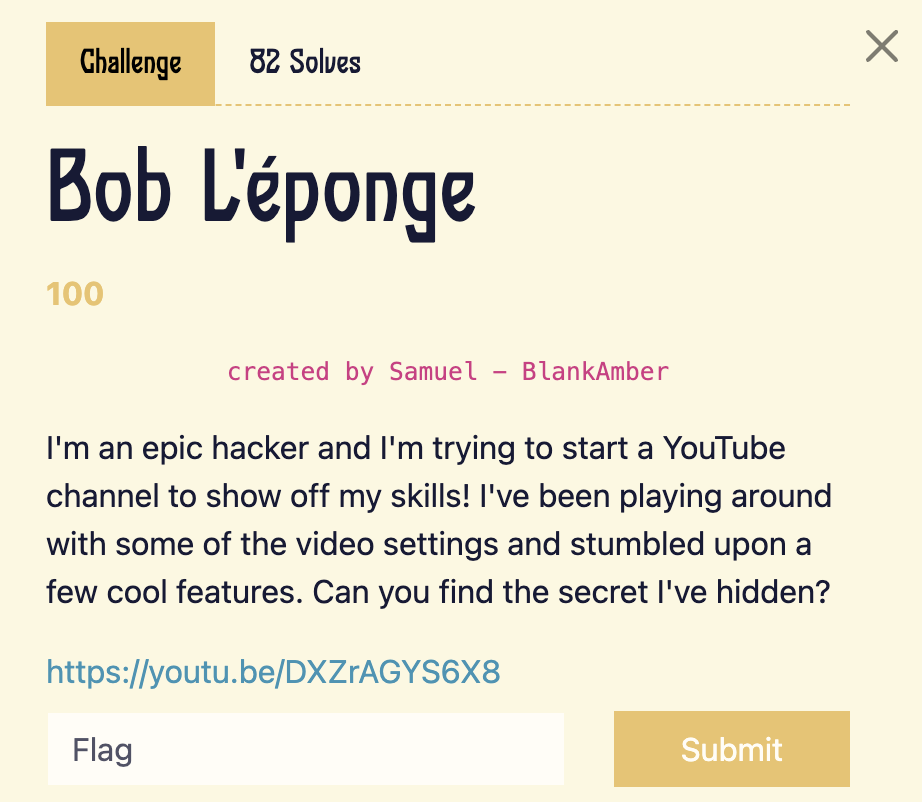
In this writeup, we’ll walk through solving an OSINT challenge involving a YouTube video link. The task was to find a hidden flag without any obvious clues in the video or its description.
### Analyzing the YouTube Video
The first step was to check the YouTube video link provided in the challenge. I looked into the following aspects:
* **Video Description**: No flag or useful information found.
* **Comments**: There were no hints or flags present in the comments.
* **Uploader’s Profile**: I checked the profile of the uploader, including the bio, but didn’t find anything useful.
### Checking the Playlists
Noticing that the uploader had some public playlists, I decided to investigate them:
* I checked each video in the playlists, but there were no visible flags or links.
* This made me suspect that the flag could be hidden in a less obvious place, which is common in OSINT challenges.
### Extracting YouTube Metadata
Since the flag wasn’t visible in the video content, description, or playlists, I turned to YouTube metadata analysis. I used the following website for this:
[YouTube Metadata Tool](https://mattw.io/youtube-metadata)
This tool allows you to extract hidden metadata from YouTube videos, including tags, which are often used by creators but are not visible directly on the YouTube platform.
### Finding the Hidden Flag
After inputting the YouTube video link into the metadata tool, I reviewed the extracted metadata. Among the various tags, I found the hidden flag: